Why The Detail Works
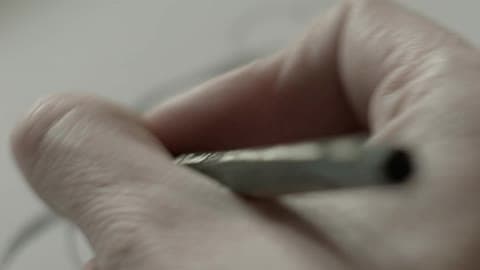
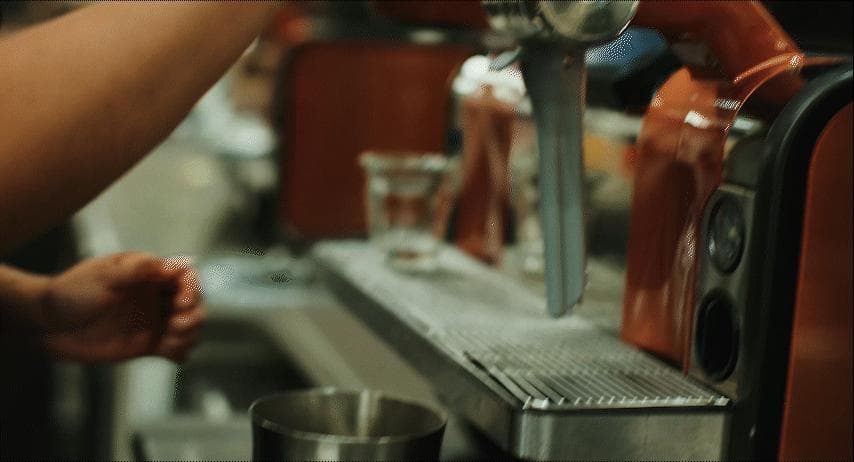
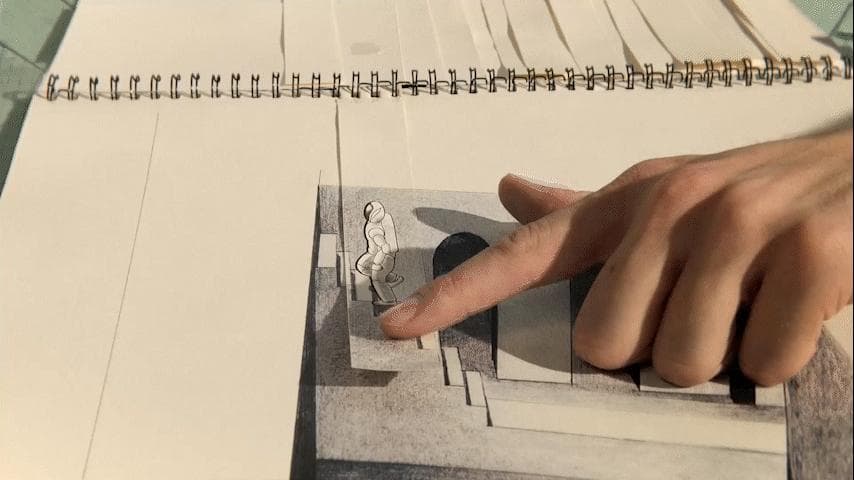
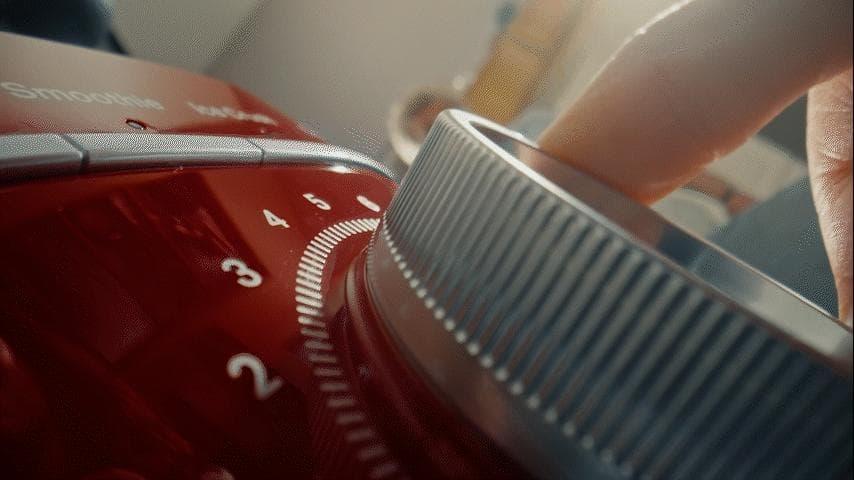
The product is not explained with copy. It is explained through scale, texture, and a simple interaction that gives the edit a clean tactile beat.
Probe and macro perspectives work best when the action is readable at a glance: turn, press, click, write, slide, pour, align, or reveal.
Production Setup
Build the shot around the object path first, then choose the lens and support. A locked close frame often feels more premium than a complicated move.
Small edge lights, black wrap, and diffusion usually matter more than a large lighting package at this scale.
Edit Use
Use these shots as confirmation beats after a wider context frame. They are strongest when the viewer already knows what action matters.
Cut on tactile moments such as contact, click, pressure, or a visible shift in position.